
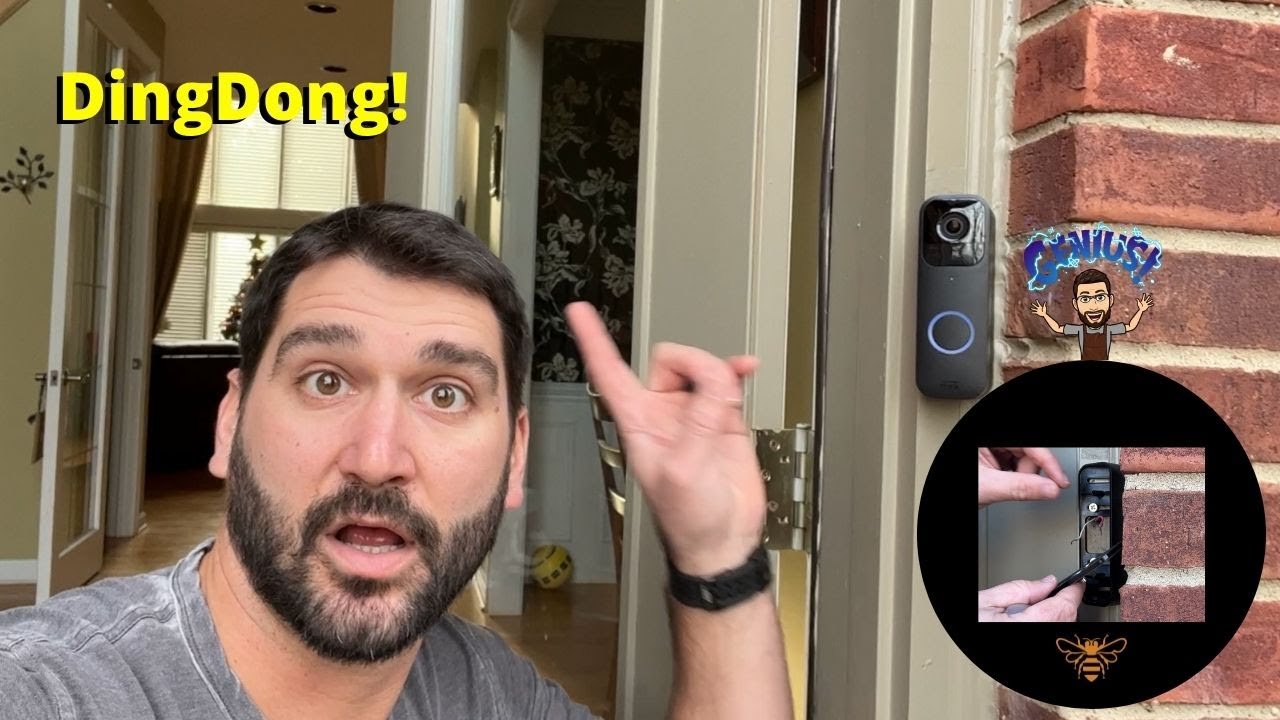
We will walk you through how to replace your old doorbell by adding your blink doorbell to your system as well as hardwire the doorbell to the existing wiring from the old doorbells existing line. Also we installed the corner, or wedge, so we get a better view of the door. This will allow the blink system to work, but also will have your old door bell ring as well.
Link to the products used below. As an Amazon Associate I earn from qualifying purchases, so if you’re thinking of buying one for yourself please use the link below and you’ll help me out with no added cost to you!
If you need help setting up a brand new system my blink camera setup should help:
https://youtu.be/Gze9Sbf45x0
Install Video for the updated backplate:
https://youtu.be/nRji7ofZuik
Install starts 1:09
Wiring of new Blink Doorbell 3:10
Blink Video Doorbell
https://amzn.to/32ei5nY
Blink Video Doorbell Wedge Mount
https://amzn.to/3GR3DB2
Energizer AA Batteries, Ultimate Lithium Double A Battery, 8 Count
https://amzn.to/3XM51Ow
If setting up system without any existing blink products you’ll need the bundle below!
Blink Video Doorbell + Sync Module 2 BUNDLE! (Needed if you don’t have existing system)
https://amzn.to/3mbhHxB



Did you put the battery on or not sents you connected to wire
Batteries still required
quick questions for anyone knowledgeable about Blink installation. The voltage coming out of the two wires (pre install of Blink) is 16.5-18.5 volts by my voltage tester. The previous button doorbell worked. I installed the Blink and running the ‘test’ program (chime or music, I had chime and chose that) the doorbell appeared to work. However upon completion, the doorbell did not work from then on. The back doorbell, also attached to same chime box, has continue to work just fine. Do the wires out of the wall have to be installed to certain connections on the Blink? Oh, one other thing. I uninstalled and reinstalled several times (all this after setting up my program and trying to connect it to Alexa – which seems to require that I run the Blink off house currant and not batteries) once again getting it to chime once and then no more. What am I doing wrong?
Very helpful! Thanks Busy Bee Living!
Thanks for watching!
Thank you! This video saved my marriage
His face looks annoying lol
You sound like my wife and kids lol
Any updated version of install?
We have a video on the newer style being installed on our channel
Just got it sale 32.99$ at best buy
❤can you install it anywhere like backyard
Yes just won’t wired unless you run a line
Should you put the battery even if connected to the wires?
Yes required
Awesome, great pointers, could someone tell me or show me how to dismount the doorbell so when batteries need changing, I’ll be ready!!
The key that comes with it (or if you lost that a small flathead screw driver will work) gets inserted into the small slot below the doorbell and this will release the tabs so it can be slid off. Hope this helps and next time it needs batteries I’ll try and remember to film it.
That helped, thanks!
Glad we could help!
I don’t think the Ding dong works. You didn’t even show us
0:12
Very nice tutorial video. The only thing i want to add is if you have blink mini camera you can use it for chime. You dont need to hardwire it for tbe chime.
Yes, this will just add the old chime but you can connect it to other devices to alert inside.
Very useful!
Thanks for this! Simple and to the point!
Glad we could help and thanks for watching!
Thank you;
Why the doorbell must keep batteries even when wired…!?¤▪︎☆○•°~`♡🌙🕋💝🔭🔬⚖️🩺🇵🇸☝️. 😖🤔
Grandpa made me watch this when I offered to install it for him, told him I did and then installed it without a video 😂
It’s a pretty simple process to do, nice job helping out grandpa!
Junk!
Can i ask you to come to my house and do it for me since i’m too stupid to do it meself?
I’m sure you got this!
I removed a simplisafe doorbell that worked fine with a mechanical doorbell and transformer that is currently installed… I wired up a blink door bell and flipped the breaker back on and the test doesn’t seem to work with the mechanical doorbell. Any pointers?