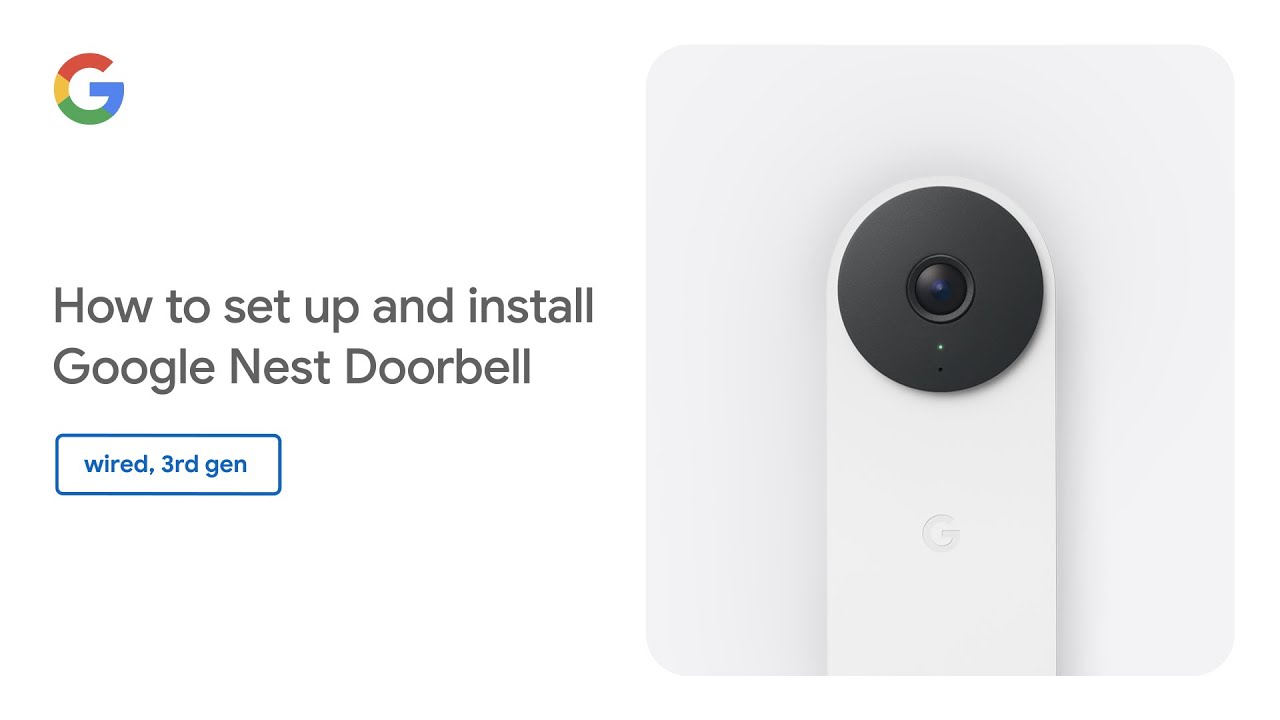
Learn how to set up and install your Google Nest Doorbell (wired, 3rd gen). This step-by-step guide walks you through the entire process, starting with how to check if your existing doorbell system and transformer are compatible.
We cover everything you need for setup, including what tools you’ll need, adding your doorbell in the Google Home app, safely turning off power, and installing the required chime connector. Finally, we’ll show you how to mount the base plate, wire, and securely attach your new Nest Doorbell.
(00:00) Introduction
(00:19) Check system compatibility & get tools
(02:29) Start setup in the Google Home app
(03:02) Turn off power at the breaker
(04:37) Install the chime connector
(05:43) Mount the base plate (wedge optional)
(05:43) Wire & attach the doorbell
(07:38) Turn power on & finalize app setup
(09:03) Understand the status lights
(09:51) Visitor announcements
To learn more, visit https://g.co/nest/help.