
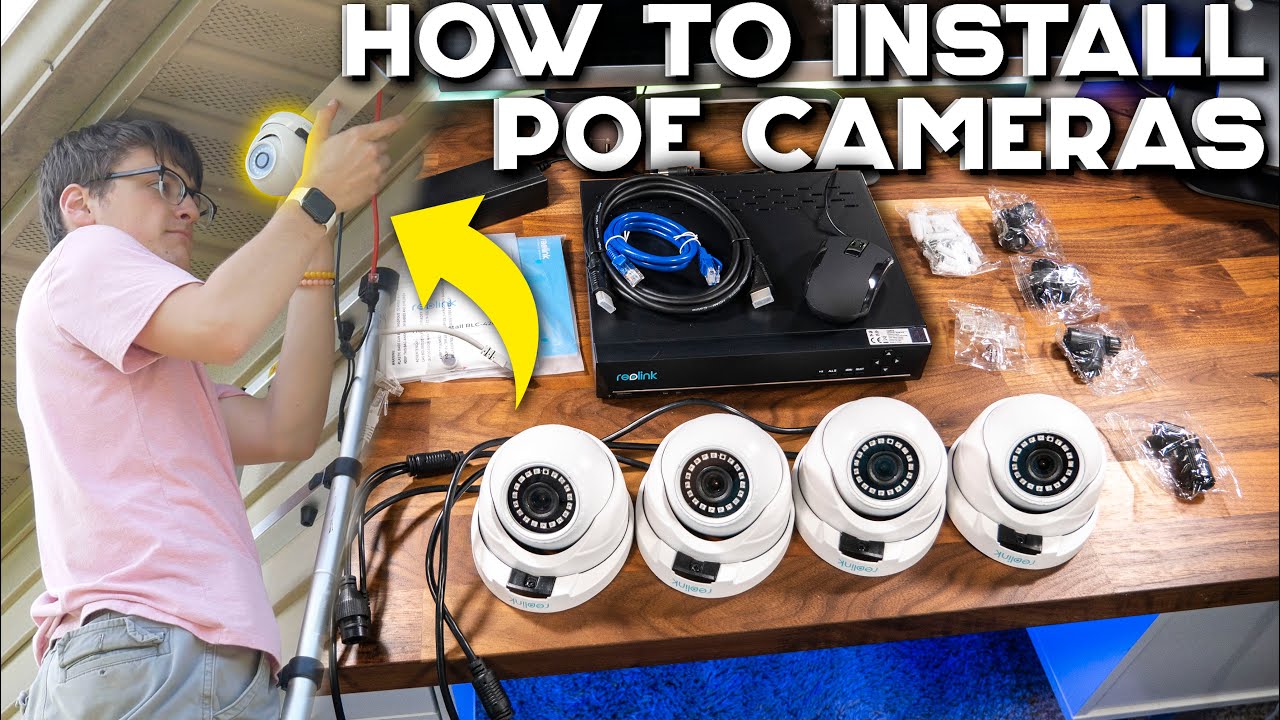
In this video, I show you the full process of planning out how many cameras are needed, running wires, and setting up a wired NVR security camera system WITHOUT DAMAGING a home! I do this all with the Reolink 8CH 5MP PoE Home Security Camera System. Enjoy!
💵📷BUY THE AWESOME STUFF SEEN IN THIS VID:
+ Reolink 8MP 8ch 4K System w/Human Detection (NEWEST): https://amzn.to/2XVV4o2
+ Reolink 5MP 8ch System (NEWER): https://amzn.to/2YsIvgI
+ Reolink 5MP 8ch System (OLDER $55 off): https://amzn.to/3jbeB8G
+ Reolink Lumus with Camera Spotlight: https://amzn.to/3jbNRFi
+ Amazon Basics Cat6 Ethernet (1000ft): https://amzn.to/34mUWgd
+ Budget Ethernet Crimping Set: https://amzn.to/3lbtCbC
+ My Favorite Ethernet Toning Tool I Use: https://amzn.to/3tzIUfZ
◇⧎◇⧎◇⧎◇⧎◇⧎◇⧎◇⧎◇⧎◇⧎◇⧎◇⧎◇⧎◇⧎◇⧎◇⧎◇⧎◇⧎◇⧎◇⧎◇⧎◇⧎◇⧎◇⧎◇
⏰TIMESTAMPS:
00:00:00 – Intro
00:01:34 – “Unboxing”
00:05:04 – Important Camera Locations
00:05:49 – Planning Out Camera Coverage
00:07:35 – Equipment Required For Install
00:07:54 – Drilling, Fish Tape, & Pulling Ethernet
00:11:47 – Mounting Under Soffit
00:13:57 – Adjusting Camera
00:14:22 – Reolink App & NVR Software
00:15:53 – Thoughts on Reolink 8ch System
00:16:54 – Web Access
00:17:33 – Alternatives
00:18:37 – Conclusion
◇⧎◇⧎◇⧎◇⧎◇⧎◇⧎◇⧎◇⧎◇⧎◇⧎◇⧎◇⧎◇⧎◇⧎◇⧎◇⧎◇⧎◇⧎◇⧎◇⧎◇⧎◇⧎◇⧎◇
Do you want to purchase something seen in this video? Consider checking out my Amazon Associates page and find all of the gear I use + everything used in this video!
⇨ AMAZON: https://www.amazon.com/shop/carsonmtech
◇⧎◇⧎◇⧎◇⧎◇⧎◇⧎◇⧎◇⧎◇⧎◇⧎◇⧎◇⧎◇⧎◇⧎◇⧎◇⧎◇⧎◇⧎◇⧎◇⧎◇⧎◇⧎◇⧎◇
👍🏼Wanna see me more frequently? Check me out on some other social medias:
ϟ TWITTER: https://twitter.com/carsonmtech
ϟ INSTAGRAM: https://www.instagram.com/carsonmtech/
ϟ SNAPCHAT: https://snapchat.com/add/carsonmtech
ϟ FACEBOOK: https://www.facebook.com/carsonmtech/
ϟ MY WEBSITE: https://www.carsonmtech.com
📥Contact: ca*********@***il.com
📬Want to send me fan mail or something to review? Go to https://www.youtube.com/carsonmtech/about to find my P.O. Box address to send me stuff 🙂
◇⧎◇⧎◇⧎◇⧎◇⧎◇⧎◇⧎◇⧎◇⧎◇⧎◇⧎◇⧎◇⧎◇⧎◇⧎◇⧎◇⧎◇⧎◇⧎◇⧎◇⧎◇⧎◇⧎◇
⚠️DISCLAIMERS:
FTC: Some of the links above may be an affiliate link. If you purchase products with these links, I will receive a small commission at no additional cost to you. Thank you for supporting small creators!
FTC: This video was not paid for by outside persons or manufacturers. The product supplied to me to make this video was given for free but all opinions in this video are my own.
◇⧎◇⧎◇⧎◇⧎◇⧎◇⧎◇⧎◇⧎◇⧎◇⧎◇⧎◇⧎◇⧎◇⧎◇⧎◇⧎◇⧎◇⧎◇⧎◇⧎◇⧎◇⧎◇⧎◇
🌎Current subscriber count: 52,552
#HomeSecuritySystem #ReolinkNVRSystem #HowToInstallWiredSecurityCamera




Common questions: ANSWERED! [Open for Q&A’s]
Q1: Why did you not use the ethernet cables that came in the box?
A1: Plain and simple: they were too short for my runs. If I was wiring a smaller building, I would have used them. They come with the camera kit. They work.
Q2: How big of a hole did you drill and how?
A2: You need at least a 1in hole. I used a regular hole saw.
Q3: Shouldn’t I worry about aluminum reacting with the steel?
A3: No. With the way that I painted the metal piece, I am not worried about the two reacting.
Q4: You didn’t show how to setup the NVR and ethernet stuff enough. Could you make another video about this?
A4: Yep! I already have. Check out my other security camera installation video here: https://www.youtube.com/watch?v=ArXABdq6d1k
Where was the hole saw used ? I saw the drilling in the suffit. Did I miss the 1″ hole saw?
Does the power also supplied by the Ethernet cable? 🤔 I noticed the other cable was just hanging when you installed the camera
@nightfury0003 cat 5 and cat 6 transger data and power
Would be nice to see how you ran the cables from the attic to the basement.
@nightfury0003 the other cable is for connect with the other cameras
It comes with wire. Why does it come with ends? Can’t you run your own wire and not use theirs
Why red wire
That’s video was ass
All you have to do. Yeah right.
How are you bro I am Nazim from India
I am building a sytem that will have multiple cameras on a pillar in my yard (so no on the house). Can a switch (or something simmilar) be used to run 1 cable from NVR to it and then from it 4-6 cables to the cameras. This is to avoid running 4-6 cables each 30 m long. So instead I would run one lets say 25 m cable to the switch and then four 5 m cables to cameras. This because I want a cleaner setup and save some money on possibly unnecessary cabling. Does the Reolink app works still okay if I use the switch in the system?
Fish tape tool is genius, could use that in automotive running wires too!
Do you call it a event when your cams are on one page
What is your opinion on CCTV vs POe
Awesome my friend. Just new
Finally, a non Indian dude explaining CCTV😵💫.
Little tip pull wire from outside in not inside out makes ur job harder
Gracias for the video you gave me a better scope of what I will be doing to set my cameras up
You So Sexy
getting to the right location in the attic would have been the best part to watch!
Thank you for a great video ❤
Adobe Flash Player, what?! I wasn’t sure so I double checked, and it was discontinued at the end of 2020 (a few months after this video was made). But according to Wikipedia: “It is currently developed and distributed by Zhongcheng for users in China, and by Harman International for enterprise users outside of China, in collaboration with Adobe.”
how much can I charge friends to do this ?
The cameras appear so-so, but their NVR is clearly trash!!! Frigate FTW!!!