
Ring Video Doorbell Wired: https://amzn.to/31qLnvW
Favorite Smart Home Devices: https://www.amazon.com/shop/onehoursmarthome
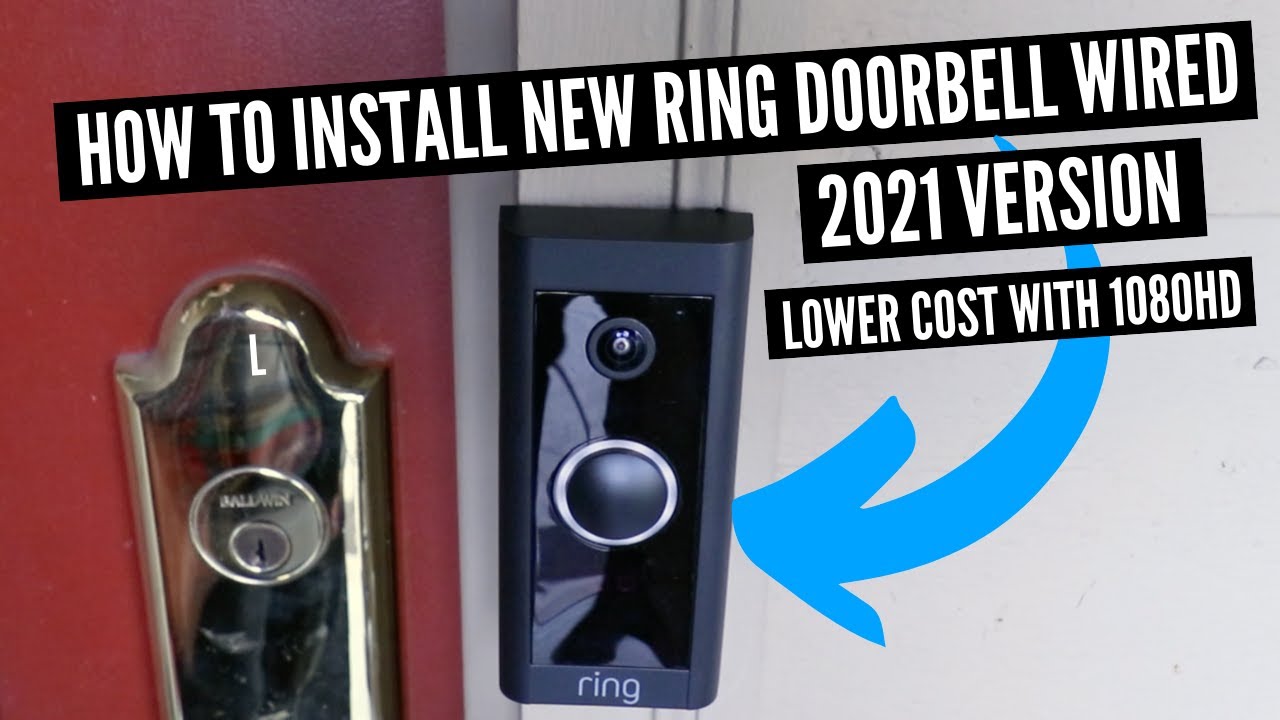
In this video we show you how to install the new Ring Video Doorbell Wired that was released in 2021. The Ring Video Doorbell Wired is different from other doorbells in the Ring line up in that it has most of the same features as the higher end Ring doorbells but comes in at a much lower cost.
The catch is that the Ring Video Doorbell Wired must be wired and that it also disables your existing doorbell chime when it’s installed because it requires a jumper wire for installation. Even though the Ring Video Doorbell disables your existing chime, Ring has wireless doorbell chimes that work with the Ring Doorbell and can be connected through the app to work with your doorbell. The advantage of the wifi chimes is that you can place them anywhere you want throughout your home for installation and you can have multiple wifi Ring chimes connected to one Ring doorbell.
Another advantage of the New Ring Video Doorbell Wired is that it only requires 10V AC for operation so most existing doorbell transformers will work with the Ring Video doorbell wired.
To Install The Ring Video Doorbell Wired:
1. Turn off the power to the doorbell at the circuit breaker.
2. Remove the existing doorbell chime cover.
3. Install the Ring Doorbell jumper wire in the existing doorbell chime.
4. Replace the doorbell chime cover.
5. Remove your existing Doorbell Button.
6. Wire the existing doorbell wires to the New Ring Video Doorbell.
7. Secure the New Ring Video Doorbell Wired with 2 screws.
8. Restore the power to the Ring Doorbell.
9. With the power restored to the doorbell it should light up.
10. Download the Ring App or login to the Ring app to begin the setup process on your phone. Follow the setup instructions and scan the code on the side of the Ring Video Doorbell Wired to connect it to your phone.
11. Follow the instructions in the app and complete the set up of your Ring Doorbell Wired.
***Join the email list: http://eepurl.com/0KDob ***
Our Website: https://www.onehoursmarthome.com/
Podcast: https://www.onehoursmarthome.com/podcasts
DID THIS HELP? You can support us: https://www.buymeacoffee.com/OneSmartHome
Videos produced by One Hour Smart Home are provided for informational purposes only. All material provided within this website or youtube channel is for informational, educational, & entertainment purposes only. Some of these projects, materials, and techniques may not be appropriate for all ages or skill levels. Please use use all safety precautions when performing a DIY project. One Hour Smart Home does not make any claims of the safety of the projects, techniques, or resources listed on this site and will not take responsibility of what you do with the information provided by this site or youtube channels. Viewers must be aware by doing projects on their homes they are doing it at their own risk and One Hour Smart Home cannot be held liable if they cause any damage to their homes, themselves or others. With different codes around the world and constantly changing standards, regulations and rules, it is the sole responsibility of the viewer to educate themselves on their local requirements and codes before undertaking any sort of project. Hire competent professionals when needed to perform a task which you are not or do not feel qualified for. Use at your own risk. Links included may be affiliate links which help support this channel.




I wish someone told me it would disable the chime I have.
I ensured my doorbell worked prior to installing. My second attempt to install this ring doorbell was today and the ring doorbell still doesn’t come on. Now, my doorbell doesn’t work. ugh!
I didn’t realize that the wired ring doorbell would disable my doorbell chime.
I’ve been trying to figure out why my inside doorbell wasn’t working now. Wish this would have been clear when I bought the thing
I just installed ring wired doorbell it’s didn’t show me about jumper cable. My doorbell is working but chim not working
False information. You can still use the existing chime.
Do you want to explain how ?
You mean it doesn’t ring without buying the plug it ringer ? Even with jumper cable installed ? No mention of that on the packaging. Why not ?
I’d like to know how you keep your existing chimes by using this doorbell ring button. I want my inside chimes to work. How do you do that?
This video is almost useless. The guy breezed through the important steps in rewiring the existing chime without showing how the jumper wire actually installed! Thumb down!
There’s a problem that no one mentions. The jumper cable you install in the wiring that disables the original doorbell chime ALSO killed my back door original house doorbell which i still need/want. Yes i want the video doorbell at the front door but don’t most houses have another doorbell that’s still needed.
I had this camera looks good got 3 replacements from Ring camera quality crap problems after problems avoid. Thank me later .. …..
What If I don’t have a doorbell
Don’t buy this camera the quality is bad
How do I install if I don’t already have a doorbell?
The bottom screw does not come out with orange screw driver
Good product i ordered it just waiting for it😂🎉
Great explanation. Thanks
Well on Redit says that IT CAN work with the current mechanical chime.
Ring has made it terribly difficult to buy the right type. None of their engineers came up with the idea of making these Ring bells universally applicable. Production costs for very large numbers of that universal type are lower than all those super different types together. So thank you on behalf of all users who are now stuck with a Ring bell that does not have an HD camera, but records a now ridiculously low resolution. Admittedly, an unsuspecting adrift buyer will go for the lowest purchase price, but with a Ring bell that does not produce an HD image. Can’t Ring start a trade-in campaign for all these misbuyers. If necessary with an additional top-up the payment?
Great job with instructions and installation tips
You’re a lifesaver! Just bought my own house after finishing college and needed to learn how to install a ring doorbell!