
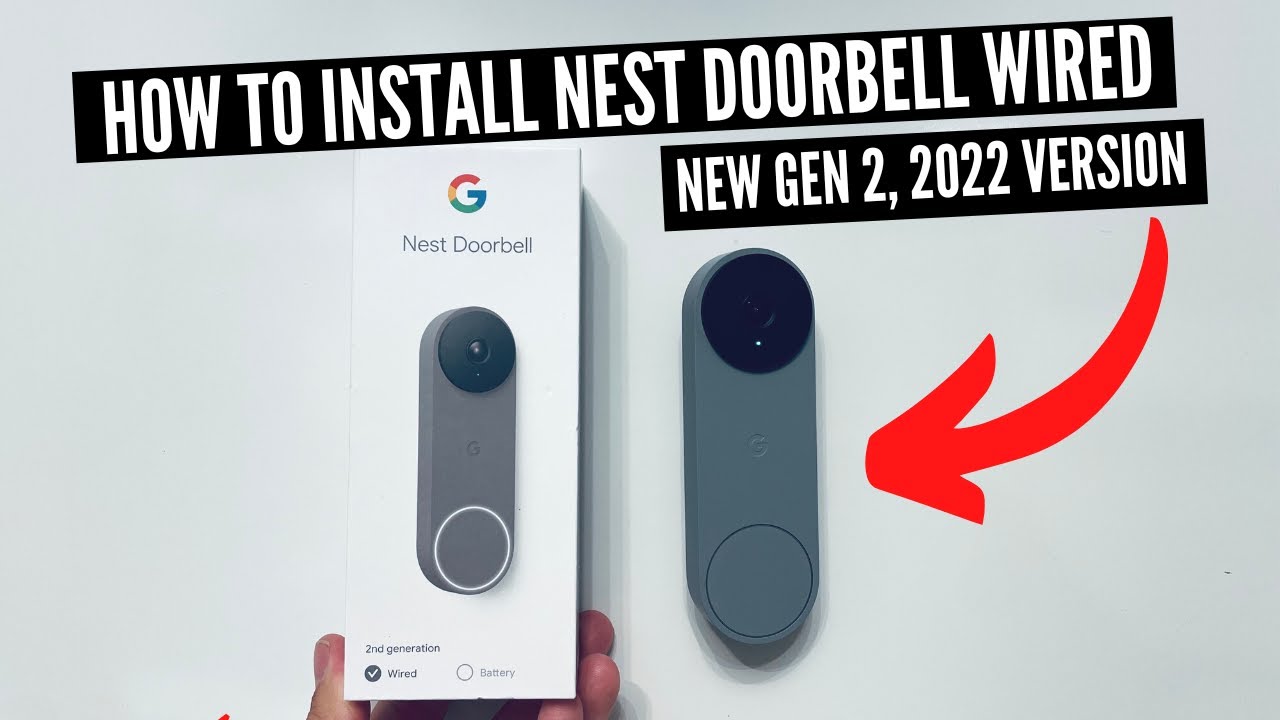
Nest Doorbell Wired: https://amzn.to/3T5s2JZ
Favorite Smart Home Devices: https://www.amazon.com/shop/onehoursmarthome
Doorbell Transformer That Works With Nest: https://amzn.to/3EOFsWs
In this video we teach you how to install a Nest Doorbell Wired. The Nest Doorbell Wired 2nd Generation was launched in the fall of 2022 and is an upgrade from previous generations of Nest Doorbells. The Nest Doorbell Wired 2nd Generation is different from the previous generation of Nest Doorbell in that the Nest Doorbell Wired is Hardwired.
The New Google Nest Doorbell Wired Includes Following Features:
-Includes intelligent Alerts for people, packages, animals and vehicles
-HD Video with HDR and night vision.
-Talk and listen to visitors
-Reviewable video history
-Video encryption
How To Test Doorbell Transformer Voltage: https://youtu.be/v9O8GgwKthc
How To Wire A Doorbell Transformer: https://youtu.be/-FZN9Y8TdBo
How To Install Nest Doorbell Wired 2nd Generation
1. Turn off power to existing doorbell.
2. Remove existing doorbell.
3. Wire new Nest Doorbell Wired and install on wall.
4. Wire new Nest Doorbell Chime connector
5. Restore Power to Doorbell Circuit.
6. Set up Nest Doorbell Wired 2nd Generation on the Google Home App.
Did this help? You can support me by buying me a coffee: https://www.buymeacoffee.com/OneSmartHome
***Join the email list: http://eepurl.com/0KDob ***
Our Website: https://www.onehoursmarthome.com/
Podcast: https://www.onehoursmarthome.com/podc…
Videos produced by One Hour Smart Home are provided for informational purposes only. All material provided within this website or youtube channel is for informational, educational, & entertainment purposes only. Some of these projects, materials, and techniques may not be appropriate for all ages or skill levels. Please use use all safety precautions when performing a DIY project. One Hour Smart Home does not make any claims of the safety of the projects, techniques, or resources listed on this site and will not take responsibility of what you do with the information provided by this site or youtube channels. Viewers must be aware by doing projects on their homes they are doing it at their own risk and One Hour Smart Home cannot be held liable if they cause any damage to their homes, themselves or others. With different codes around the world and constantly changing standards, regulations and rules, it is the sole responsibility of the viewer to educate themselves on their local requirements and codes before undertaking any sort of project. Hire competent professionals when needed to perform a task which you are not or do not feel qualified for. Use at your own risk. Links included may be affiliate links which help support this channel.




So, I changed out my Wi-Fi system and I can’t get my google doorbell 2d Gen wired doorbell to connect. Watching your video at 10:04 on your video gives you an option to select your Wi-Fi network but I don’t get that option when I’m trying to install, any advice?
Switch to mesh wifi, put a unit near the doorbell.
Always says error turn your phone on airplane mode and turn it off every time I try to connect it
I have a doorbell with a single switch in a utility box. Can this nest doorbell be installed in the utility box?
2 things:
1. is it true that a press of the doorbell button will come through Google speakers that are in the Home app? If so, and I have speakers throughout my house, including where my chime is, I don’t need to install the chime module. I can simply hear it from the speakers.
2. This is one of the best instructional/how to videos I’ve ever watched. Questions were popping in my head and you wound up touching on them all, including transformer questions.
Really nice instructional video. 👍👍
I had previously removed the chime portion of my doorbell. Will this still work or do I need to buy a chime devise to mount on my wall?
My husband just installed our Nest doorbell watching your video! The house we rent was build in 1930’s and used the old wiring and it works. Super helpful. Thanks.
great video! you literally had the same exact doorbell and chime as i did. perfect.
Awesome tutorial! Thank you very much!
I have two indoor Chime boxes in my house and a front and rear door where I would plan to install 2 doorbells. One box is near the front door and another is in the basement. Will I be able to hook up these nest doorbells to both chime boxes or will I have to do something else to make it work?
What if the wires to the doorbell are red and white? You just have two white wires
I don remember turning off the power or needing a chime connector when i set up my first doorbell in a home i moved from. I just ordered one for my new place
Is cutting the power necessary?
It’s low voltage.
I have a Gen 1 installed, could I use its wires for the gen 2?
We installed and the doorbell was ringing in a loop. Not sure what we did wrong but we had to shut off the breaker to get it to stop. Not sure what we did wrong. 😢
What if I don’t have wires yet ?
This video nailed it for me — thank you for clearly explaining the importance of transformer compatibility. In my case, the original transformer might have worked, but for $20, upgrading to a properly rated unit made far more sense.
FWIW, I used a multimeter extensively to verify voltage and confirm correct wiring. Honestly, I can’t imagine completing this installation safely or confidently without one.
One thing that threw me: Google’s installation flow is backwards. They prompt you to add the device before powering or mounting it — which feels like a fundamental design miss. (If I’m misunderstanding that, I’d love clarification.)
For shared households: only one person should register the doorbell. Once installed, you can invite others to the home via the app. If each person tries to install it separately, they’ll be prompted to re-register the same hardware — which breaks setup.
Everything now works exactly as it should — crisp video, responsive chime, and rock-solid performance. Big thanks again, and I sent a few coffee beans your way.
If i have gen 1 can I use wires from that or need wires came with new one
I have it working but it does not show up in my Nest app..
Thanks
if you have two doorbells ,,do you use 2 pucks??
I’ve had one installed for a year. This year we had to change routers, setup a dedicated 2.4GHz network and password. Well now I cannot get this Nest Doorbell to connect. I’ve tried the factory reset and still my phone won’t connect to the Nest Doorbell. My first gen wired Nest Doorbell allowed me to simply change the WiFi network and was back on line. The 2nd Gen wired unit has been fighting me for 2 day. I get to the same point every time and the doorbell won’t talk to my phone.
Turns out … My first gen was confusing the process. I unplugged the first gen unit and was able to communicate with the second gen. Adult beverages for everyone!
Just set mine up. Very clear instructions. Thank you!