
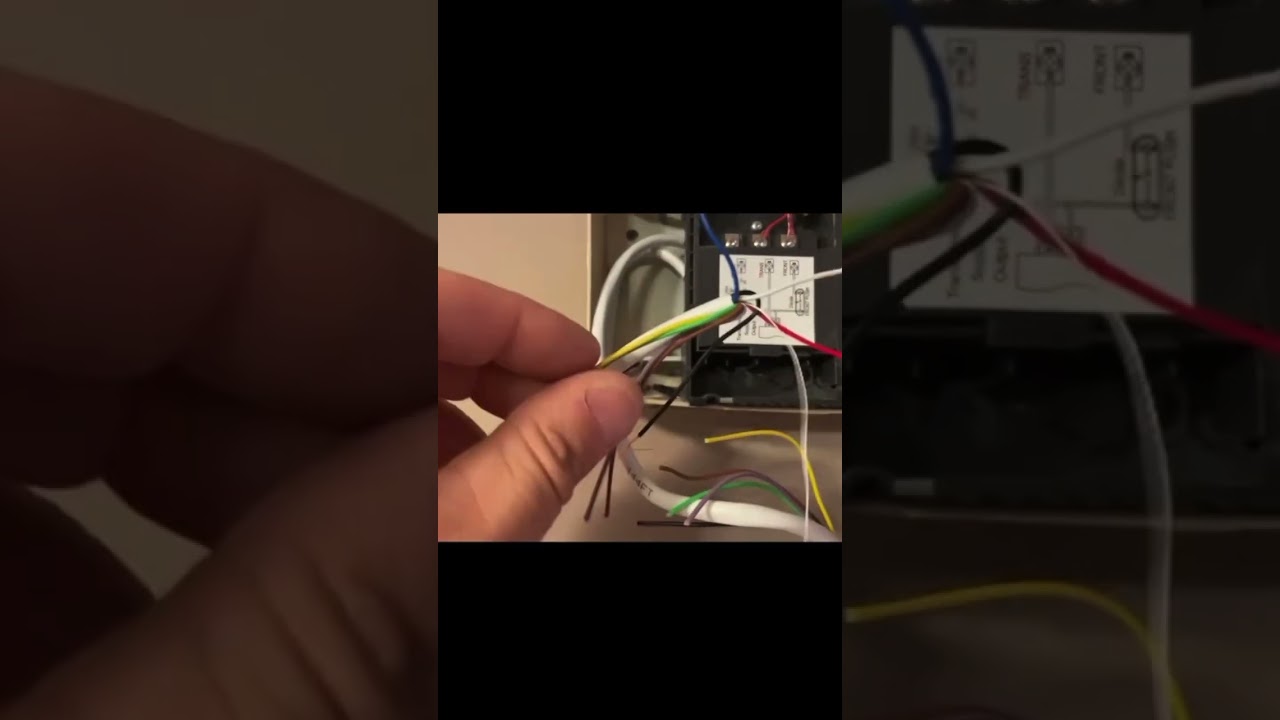
How to connect a wired Ring WiFi Video Doorbell to your existing home doorbell and chime. This works for any Ring that is hard wired. This is not for a battery model.
This is for connecting to a preexisting home wired doorbell and chime. Running on 12-24 volts. Where the chime is powered by a transformer. Usually 12-24 volts..
This video allows you to connect a ring doorbell that has wire connections on the back and wire it into your existing system. This will use the power from your current doorbell system.
This also assumes that there is an extra “spare” conductor (wire) that is in your existing bell wiring in the walls. It is common for doorbells to have wiring with extra unused wires. We will be using one of the unused wires to bring power from the transformer / chime connection over to the ring doorbell.
**NOTE: this does NOT make the 2 systems work together. They still operate independently. But this allows you to have all the functions of a Ring Wired Bell and the ability for someone to push your regular button and activate your existing home chime..
***This video is for the WIRED RING only. This is not for a battery operated Ring.
Be sure to use caution when dealing with electrical systems. Be sure to turn off the circuit breaker that your doorbell power is coming from before attempting any of this.



Question my friend. Would this work for my Google nest doorbell where I need to mount an adapter to the chime
It’s low voltage so it does not matter which wire is connected where.